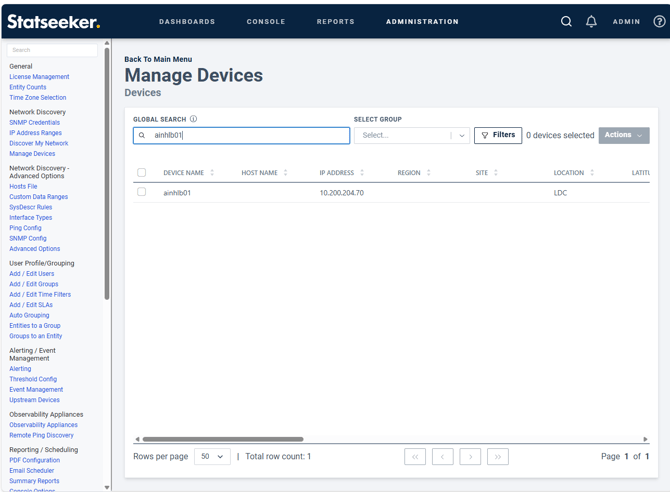
To find the devices that have this issue ,as an admin, go to the "ADMINISTRATION" tab > "Network Discovery" section > "Manage Devices" page and click the view button on the "Device Management" panel:
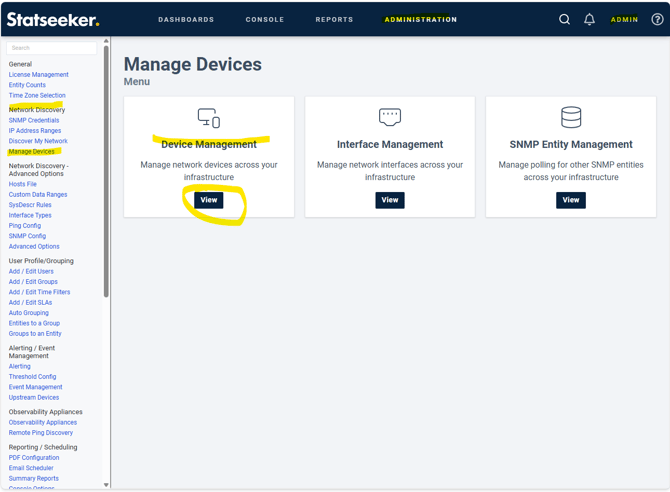
Then sort the devices ascending via the "IP Address" column:
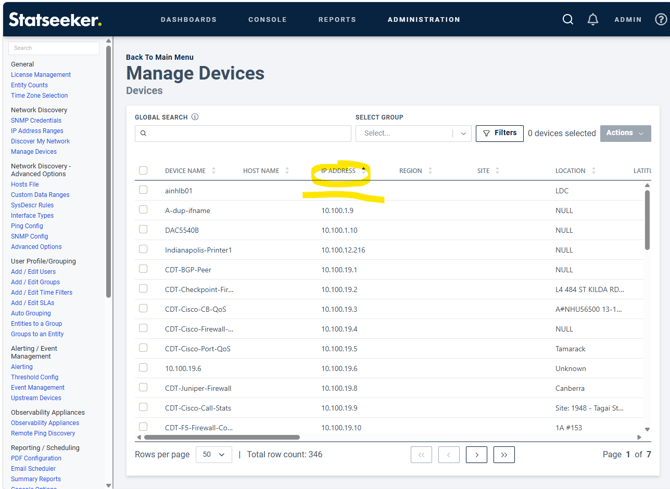
This will show the devices that do not have an IP Address at the top.
Unfortunately this lack of IP Address prevents editing the device in the GUI.
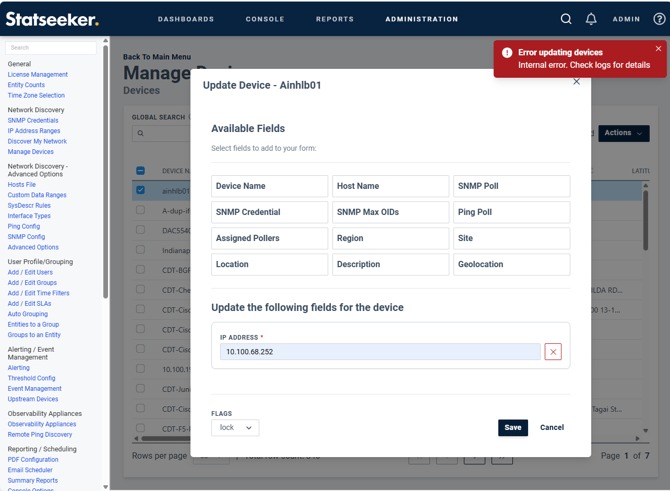
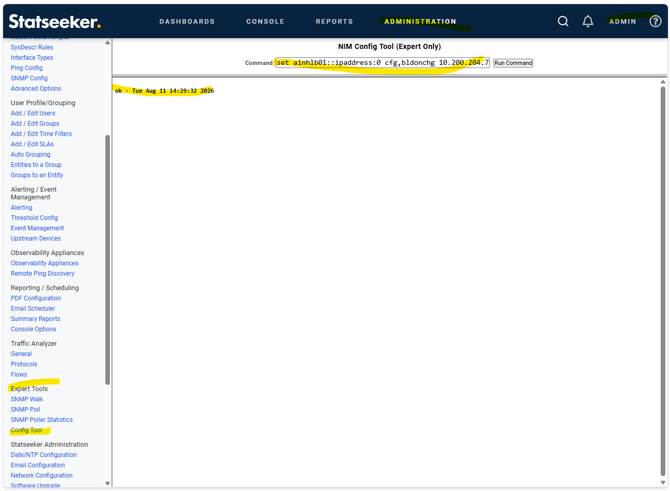
To fix this, find out the device's IP Address and then go to the "ADMINISTRATION" tab > "Expert Tools" section > "Config Tool" page and run the command:
set <device name>::ipaddress:0 cfg,bldonchg <ip address>
e.g. for Device ainhlb01 with IP Address 10.200.204.70
set ainhlb01::ipaddress:0 cfg,bldonchg 10.200.204.70
Then run the "fullbuild" command in the same tool:
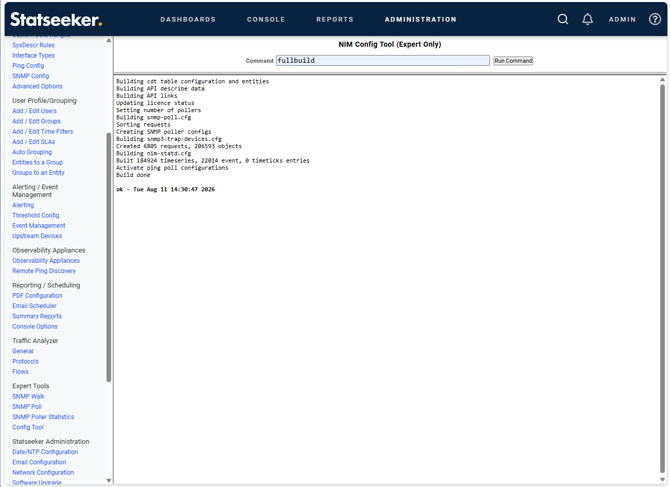
You should now be able to go back to the "Device Management" page and see an IP Address for the device: